Choosing MTD Software as a Driving Instructor: A Practical Checklist

Built and sold RevelationPets.com. First Class Honours in Software Engineering. 20+ years in SaaS.
If you’re starting Making Tax Digital for Income Tax in April 2027, you need software that HMRC recognises. There are a lot of products on HMRC’s list, and HMRC won’t tell you which to pick. This guide sets out what a driving instructor should look for and the questions worth asking before you sign up.
If you haven’t checked whether you’re in yet, read our main guide to Making Tax Digital for driving instructors first. In short, most full-time ADIs have lesson income over £30,000 and must start on 6 April 2027.
We’re not going to rank products or quote other companies’ prices. Both change too often, and we’d rather you check the source. This isn’t tax advice, and the facts below come from GOV.UK as checked on 16 October 2026.
Start with HMRC’s list
HMRC publishes guidance on choosing the right software for Making Tax Digital for Income Tax. It includes a software finder that asks a few questions and gives you a list, and it can check whether software you already use is compatible.
Two points from that page are worth knowing:
- HMRC doesn’t recommend any product. Being on the list means the software passed HMRC’s recognition process. It doesn’t mean HMRC thinks it’s good.
- Free products may have limits, such as a cap on transactions. Check those before you commit.
Only shortlist products that appear in HMRC’s finder. If a product isn’t there, it can’t send your updates, however good it looks.
Two kinds of MTD software
There are two routes. Neither is better for everyone.
| Full accounting software | Bridging software | |
|---|---|---|
| Where your records live | In the software | In your own spreadsheet |
| Bank feed | Usually | Usually not |
| Receipt capture | Usually | Usually not |
| Sends quarterly updates | Yes | Yes |
| Submits your tax return | Check | Check |
| Suits | ADIs who want the software to do most of the work | ADIs with a spreadsheet they trust and want to keep |
Full accounting software keeps your records, reads your bank account, matches transactions and sends the figures to HMRC. Most of the work happens automatically once it’s set up.
Bridging software reads figures from your spreadsheet and sends them to HMRC. The spreadsheet must be digitally linked to it. You can’t retype or copy and paste the figures across. Our guide to MTD record keeping for driving instructors explains what counts as a digital link.
If your current spreadsheet is a mess, bridging software won’t fix that. It sends whatever the spreadsheet says.
What to look for: an 8-point checklist
1. It’s on HMRC’s list for Income Tax
Some products are recognised for MTD for VAT but not for Income Tax. Make sure the listing covers Income Tax and self-employment income. If you also let out property, check it handles property income too.
2. It sends quarterly updates and your tax return
You need to send four quarterly updates (due 7 August, 7 November, 7 February and 7 May) and then submit your tax return through MTD software by 31 January. GOV.UK says you complete the return in your MTD software. Some products only do the quarterly updates. Pick one that does both, or you’ll be buying a second product next January.
3. A bank feed
A bank feed pulls your transactions into the software automatically. For an ADI, that means every card and bank-transfer payment from pupils arrives without you typing it. It works best with a separate business bank account, so you aren’t sorting lesson fees from your grocery shopping.
Ask which banks it connects to, and check yours is one of them.
4. Receipt capture
You photograph a receipt on your phone and the software attaches it to the expense. Fuel and parking receipts pile up fast in a driving school car. This one feature can save you an evening each quarter.
5. Mileage tracking, if you claim mileage
If you use the flat-rate mileage method (55p a mile for the first 10,000 business miles in 2026 to 2027, then 25p), you need a reliable mileage log. Some accounting software includes one. If yours doesn’t, you’ll need a separate app, and you should check how its figures get into your MTD records.
6. A phone app
You do most of your admin between lessons. Check the app lets you record cash, snap receipts and look at your figures, not just view a dashboard.
7. Accountant access
If you use an accountant, ask them first. Many prefer to work with one or two products they know well. Check the software lets your accountant log in, and that you can authorise them as your agent with HMRC. GOV.UK’s guidance mentions support for multiple agents as something to consider.
8. Price and limits
Compare what’s included, not just the headline price:
- Is there a cap on transactions or bank accounts?
- Is the mobile app included?
- Does the tax return cost extra?
- Does the price rise after an introductory period?
- Can you export your records if you leave?
You need to keep MTD records for at least 5 years after the 31 January deadline for each tax year. Make sure you can get them out.
Questions to ask before you sign up
Use these with any provider or your accountant:
- Is it recognised by HMRC for MTD for Income Tax, for self-employment income?
- Does it submit my tax return as well as the quarterly updates?
- Does it connect to my bank?
- Can I record cash payments quickly from my phone?
- Does it track mileage, or will I need another app?
- Can my accountant access it, and do they already use it?
- Are there any transaction limits on the plan I’m looking at?
- What happens to my records if I cancel?
- Can I try it before 6 April 2027 with real figures?
The last one matters. Signing up voluntarily before your start date lets you run a quarter or two while mistakes are cheap. Our MTD timeline for 2027 and 2028 shows when to do each step.
What MTD software doesn’t do for an ADI
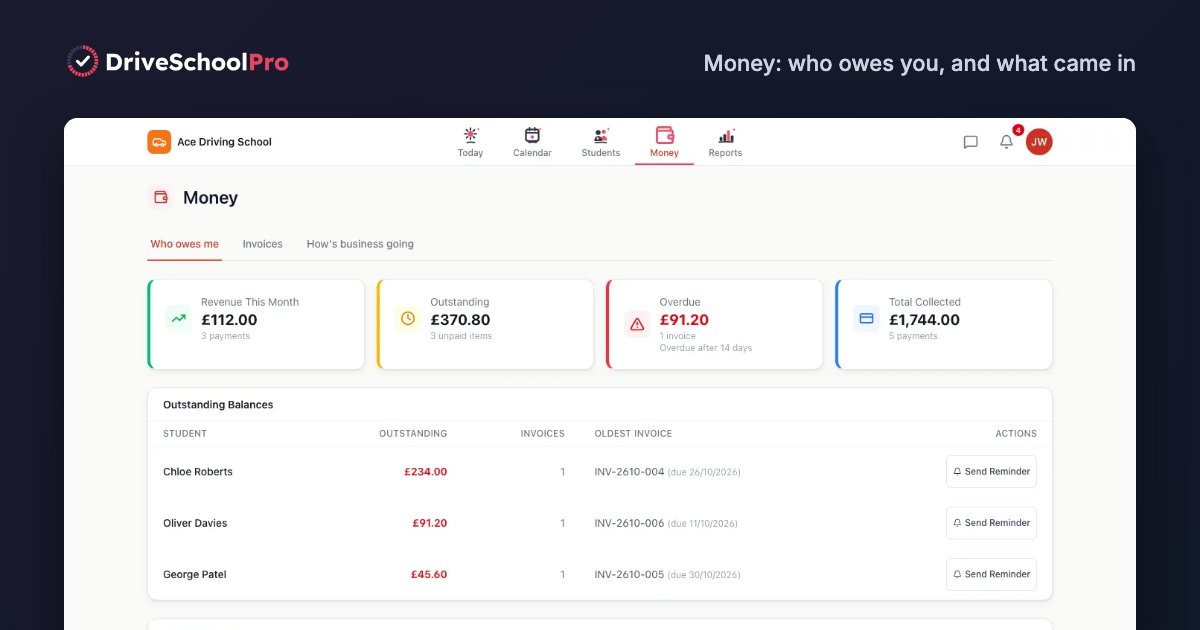
Accounting software sees money arriving in your bank. It doesn’t know which pupil it came from, which lesson it paid for or who still owes you. A £350 transfer could be a block of ten lessons or three weeks of overdue payments. It also never sees cash unless you type it in.
That’s the gap driving school software fills, and it’s why most instructors run both. Our page on accounting software for driving instructors explains the split in more detail.
Where DriveSchoolPro fits
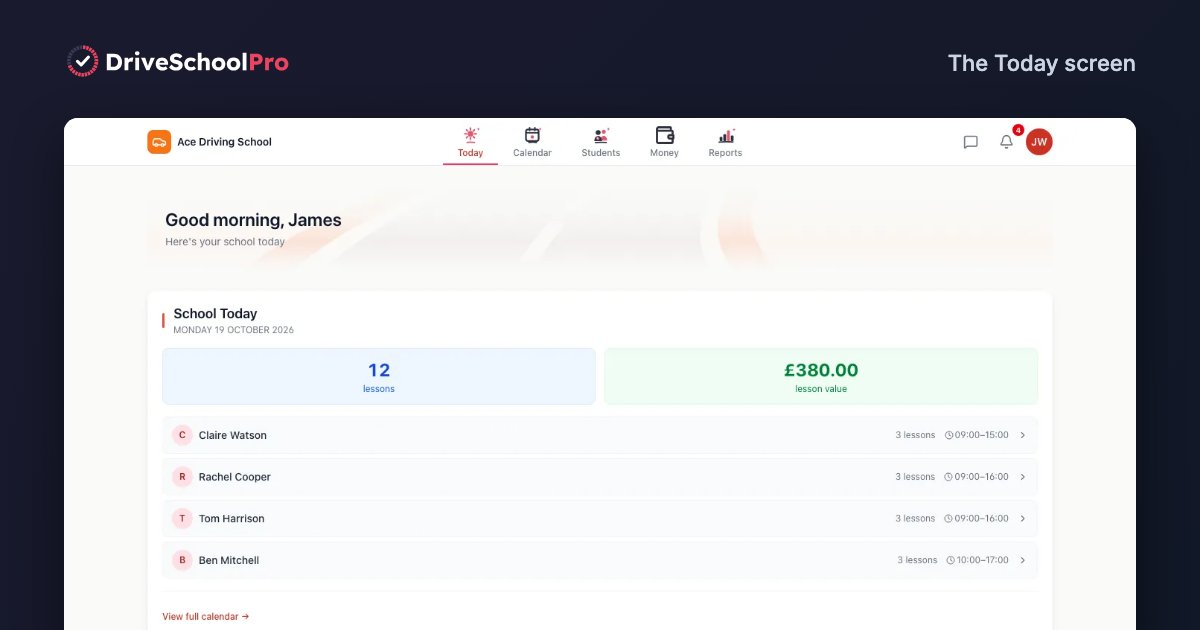
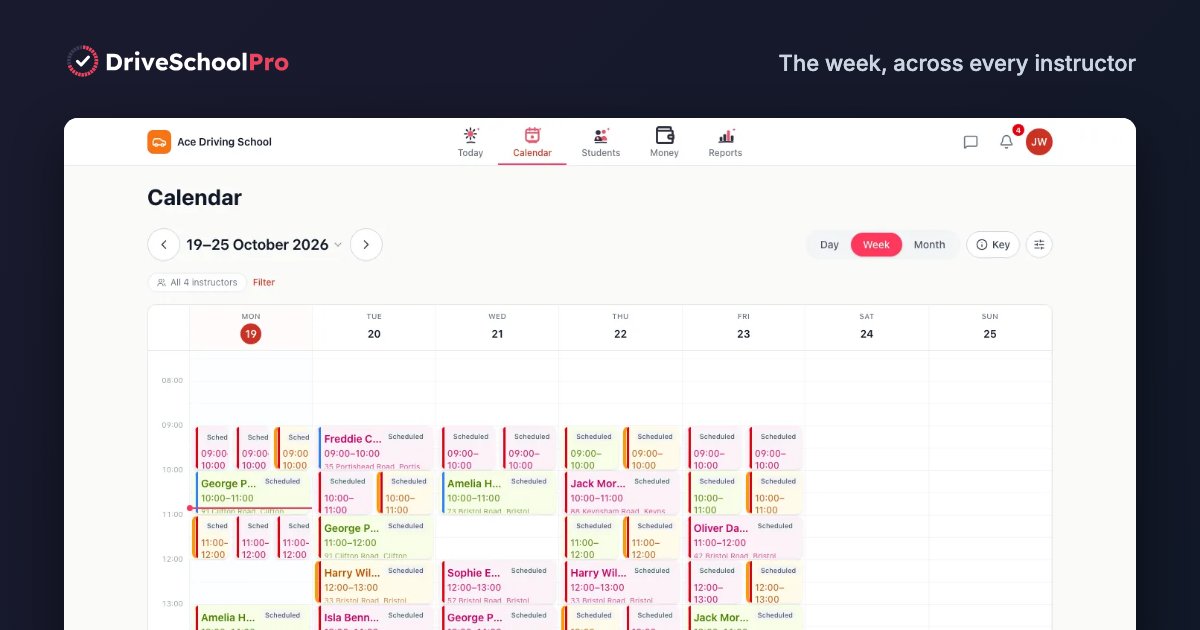
DriveSchoolPro is not MTD software and does not file anything with HMRC. It records each lesson you book, the invoice you send and the payment you receive, by card, cash or bank transfer. That gives you an accurate income figure for each quarter to check against what your accounting software is about to send. It doesn’t record expenses or mileage, so you still need MTD-compatible software or an accountant alongside it.
DriveSchoolPro is free until 31 March 2027. From 1 April 2027 there’s a permanent Free plan for one instructor and up to 60 lessons a month, or Solo at £22 a month with no VAT charged. See pricing.
Related guides
- Making Tax Digital for driving instructors: who’s in, qualifying income and the quarterly deadlines
- MTD record keeping for driving instructors: the records to keep, typical expenses and the mileage choice
- MTD timeline for 2027 and 2028: month by month from now to your first tax return
- Accounting software for driving instructors: what bookkeeping software does that driving school software doesn’t
- Best driving school software: comparing instructor software for the lesson and income side
DriveSchoolPro is free while we're in early access — until 31 March 2027.
Get started freeNo credit card required.