MTD Record Keeping for Driving Instructors: What Digital Records You Need

Built and sold RevelationPets.com. First Class Honours in Software Engineering. 20+ years in SaaS.
Making Tax Digital for Income Tax changes how you keep your books more than it changes your tax bill. From the day you start, every business income and expense item has to be recorded digitally, in software that works with MTD. For most full-time ADIs that day is 6 April 2027.
This guide covers what those records are for a driving instructor, which expenses usually come up, how long to keep everything and how a spreadsheet can still fit. If you haven’t yet checked whether you need MTD at all, start with our main guide to Making Tax Digital for driving instructors. It covers the £30,000 and £20,000 thresholds and the quarterly deadlines.
Figures here come from GOV.UK as checked on 16 October 2026. It isn’t tax advice. If your situation is unusual, check GOV.UK or ask an accountant.
What a digital record has to include
GOV.UK says each record must show three things:
- The amount of the income or expense.
- The date you received the income or incurred the expense.
- A category, which matches the Self Assessment categories.
That’s it for each line. The software then adds the lines up and sends HMRC a summary each quarter.
Source: GOV.UK, create digital records.
The under-£90,000 shortcut
If your self-employment turnover is under £90,000, you don’t need detailed categories. As a sole trader you only mark each transaction as income or an expense. That covers almost every solo ADI, including busy ones. At £40 an hour you would need to teach well over 2,000 paid hours a year to reach £90,000.
If you do reach £90,000, you have to categorise all your records for that business in full, from the start of the current tax year. Without that, the software won’t let you send quarterly updates or your return.
Even below £90,000, categorising expenses is still worth doing. You need the split for your tax return, and your accountant will want it. The shortcut just means MTD won’t reject an update because a line is uncategorised.
When to create the records
Records for a quarter must exist before that quarter’s update is sent or due. GOV.UK asks you to create them “as close to the date of the transaction as possible”. In practice that means weekly, not once a quarter from a carrier bag of receipts.
Income records for a driving instructor
Income is the simpler side for most ADIs, but it is also where the gaps tend to be. Lesson money comes in small amounts, from lots of pupils, by card, bank transfer and cash.
Record each of these as income:
| Income item | Notes |
|---|---|
| Lesson fees | Every paid lesson, however the pupil paid |
| Block bookings and packages | The amount received, when you receive it |
| Test-day car hire | If you charge pupils for the car on test day |
| Intensive course fees | Treat the same as lesson fees |
| Any other business income | For example, training other instructors |
Cash is the one to watch. A cash payment that never reaches the bank is easy to forget, and it still counts. Record it on the day. Rental income from property is a separate income source with its own records, so keep it apart from your instructing.
Typical ADI expenses
Expenses reduce your profit and so your tax. They don’t reduce your qualifying income for the MTD threshold. Here are the costs most instructors record:
| Expense | What to keep |
|---|---|
| Car finance or lease payments | The agreement and monthly statements |
| Fuel | Receipts or card statements |
| Car insurance (business use) | The schedule and payment record |
| Servicing, repairs and tyres | Invoices |
| Dual controls fitting and removal | The invoice |
| ADI registration fee | The DVSA payment confirmation |
| Franchise fee | Monthly invoices or statements |
| Mobile phone and data | Bills, with a note of the business share |
| Training and CPD | Course invoices |
| Advertising and website | Invoices and receipts |
| Software subscriptions | Invoices, including your driving school software |
| Professional fees | Your accountant’s invoice |
If something is used partly for personal reasons, such as your phone or the car itself, you can only claim the business share. How you work that out matters, so agree it with your accountant once and then apply it the same way every quarter.
For more on the car side, see our guide to driving school insurance.
The big decision: mileage or actual car costs
Your car is usually your largest cost. You have two ways to claim it.
Option 1: flat-rate mileage
You record your business miles and claim a set amount per mile. For the 2026 to 2027 tax year GOV.UK gives these rates for cars:
| Business miles in the year | Rate per mile |
|---|---|
| First 10,000 | 55p (45p before 6 April 2026) |
| Over 10,000 | 25p |
The flat rate replaces the actual costs of buying and running the car, including insurance, repairs, servicing and fuel. You can still claim parking separately.
Two rules matter for ADIs:
- Once you use flat rates for a car, you must keep using them for as long as you use that car for the business.
- You can’t use flat rates for a car you’ve already claimed capital allowances on.
Source: GOV.UK, simplified expenses for vehicles.
Option 2: actual costs
You record every car cost as it happens: finance or lease, fuel, insurance, servicing, tyres and so on. If you bought the car, its cost is usually claimed through capital allowances at the end of the year rather than as a running expense.
Instructors drive a lot of miles, but they also have high running costs. Which option comes out ahead depends on your car, your mileage and how you financed it. Ask your accountant to run both before you commit, because the choice is hard to undo.
If you claim mileage, you need a reliable mileage log. Your accounting software may have one, or you can use a separate app. DriveSchoolPro does not track mileage.
Receipts and supporting documents
MTD doesn’t remove the need for paperwork. GOV.UK says you must still keep original records or supporting documents, or copies of them. For an ADI that means:
- Receipts and invoices for expenses
- Bank and card statements
- Invoices you issue to pupils
- Finance and lease agreements
Photographing a receipt into your accounting software counts as keeping a copy. Most MTD software lets you attach the image to the expense line, which saves a separate folder.
How long to keep your records
Keep your digital records for at least 5 years after the 31 January submission deadline for the tax year. That’s the same as for ordinary Self Assessment.
| Tax year | Return due | Keep records until at least |
|---|---|---|
| 2026 to 2027 | 31 January 2028 | 31 January 2033 |
| 2027 to 2028 | 31 January 2029 | 31 January 2034 |
If you change software, export your old records before you cancel the subscription.
Using a spreadsheet with bridging software
You don’t have to give up a spreadsheet. GOV.UK treats a spreadsheet as record-keeping software, as long as it is digitally linked to bridging software that sends your updates to HMRC.
A digital link can be:
- Linked cells between spreadsheets
- Importing or exporting a CSV or XML file
- Emailing a spreadsheet
- An automated transfer or API connection
What isn’t allowed is retyping figures or using copy and paste to move records from one product to another. If you correct a mistake, correct it in the spreadsheet and let the link carry it across.
Software that isn’t used for your business records, or is used only to submit, doesn’t need linking. Our guide to choosing MTD software for driving instructors compares bridging software with full accounting software.
A simple weekly routine
- Record each lesson payment when you take it, including cash.
- Photograph receipts the same day and add them to your accounting software.
- Log business miles if you use flat rates.
- Once a week, check that what reached your bank matches what you recorded.
- Before each quarterly deadline, check the totals your software will send.
The dates for those quarterly checks are set out in our MTD timeline for 2027 and 2028.
Where DriveSchoolPro fits
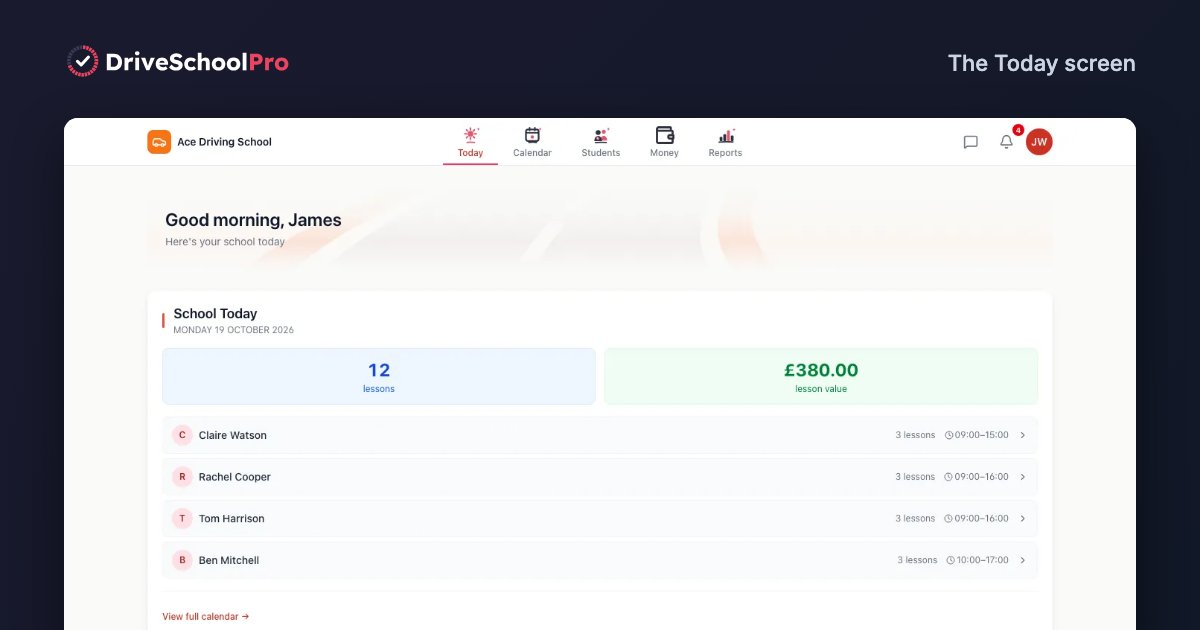
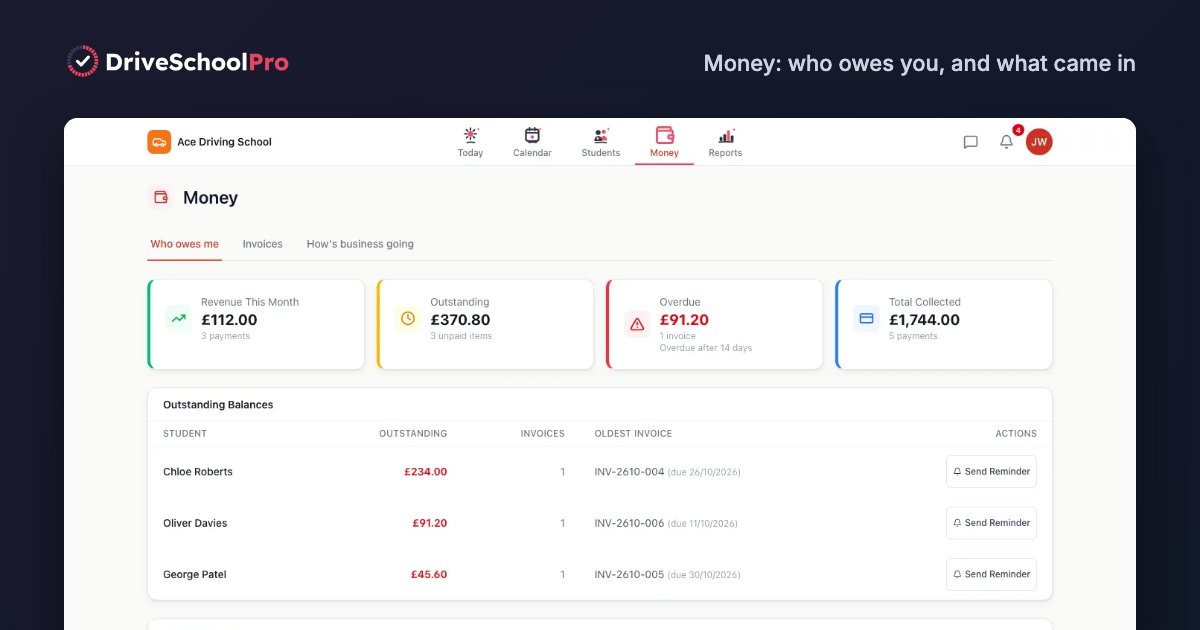
DriveSchoolPro records every lesson you book, the invoice you send and the payment you receive, whether by card, cash or bank transfer. That gives you an accurate income record for each period, which is the half of your books that’s hardest to rebuild later. It does not record expenses or mileage, it is not MTD software and it does not file anything with HMRC. You will still need MTD-compatible software or an accountant. Our page on accounting software for driving instructors explains how the two fit together.
DriveSchoolPro is free until 31 March 2027. From 1 April 2027 there’s a permanent Free plan for one instructor and up to 60 lessons a month, or Solo at £22 a month with no VAT charged. See pricing.
Related guides
- Making Tax Digital for driving instructors: thresholds, qualifying income and the quarterly deadlines
- Choosing MTD software for driving instructors: what to look for and questions to ask
- MTD timeline for 2027 and 2028: month by month from now to your first tax return
- Accounting software for driving instructors: what bookkeeping software does that driving school software doesn’t
- Driving school payment processing: taking card payments and tracking who has paid
DriveSchoolPro is free while we're in early access — until 31 March 2027.
Get started freeNo credit card required.